Merry Christmas in Chinese: How to Write 圣诞快乐 in Calligraphy
Learn what 圣诞快乐 means, choose regular, running or cursive script, and create a personalized Christmas calligraphy greeting with available account credits.
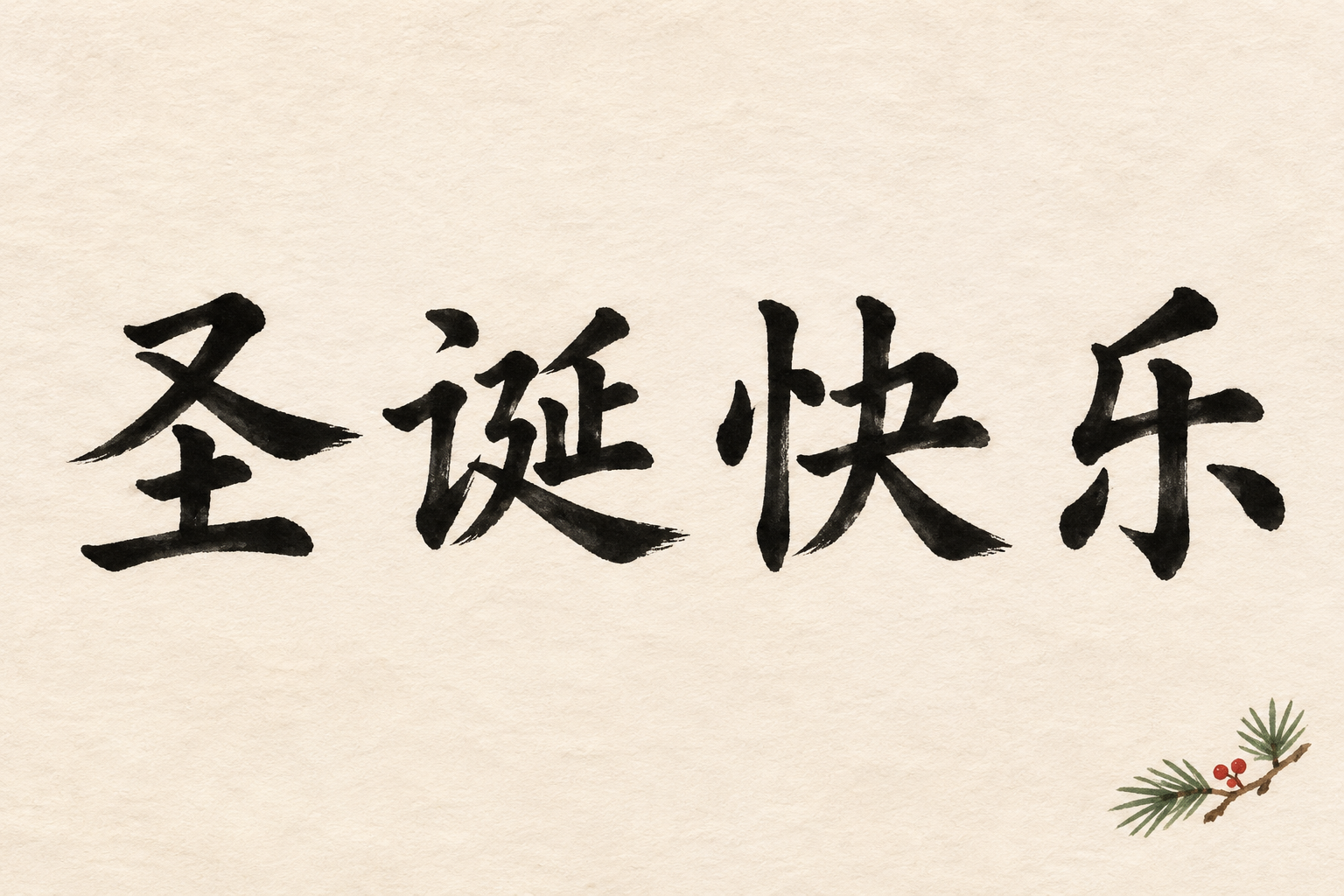
Merry Christmas in Chinese is 圣诞快乐, pronounced Shèngdàn kuàilè. Write these four characters together for a Christmas greeting; the traditional-character version is 聖誕快樂.
Past campaign. This page replaces an earlier holiday announcement. That promotion is over; current credit availability is shown in your account, not promised by this article.
What does 圣诞快乐 mean?
圣诞 means Christmas and 快乐 means happy or joyful. Together they form a natural seasonal greeting, rather than a word-for-word instruction to celebrate. You can place it on a card by itself, or add a recipient’s name as a separate line. Copy the characters into the Chinese calligraphy generator when you are ready to try a composition.
- 圣 — shèng: holy or sacred. The traditional form is 聖. It contributes the religious meaning in the word for Christmas.
- 诞 — dàn: birth, as used in this compound. Its traditional form is 誕. 圣诞 names the Christmas occasion; neither character is a standalone Christmas greeting.
- 快 — kuài: quick in other contexts, but here it belongs to 快乐, the word for happy. Do not translate the greeting as “fast music.”
- 乐 — lè: joy or happiness in this word. The traditional form is 樂. This character has another reading, yuè, in words about music; use lè in kuàilè.
Read the phrase in two groups: Shèngdàn / kuàilè. Tone marks help explain pronunciation, but the artwork itself normally uses the Chinese characters, without pinyin above each stroke. Keep simplified and traditional forms consistent within the greeting.
Which Christmas calligraphy style should you choose?
Regular script for cards and readable gifts
Regular script, or kaishu, keeps characters distinct and their structure easy to inspect. It is a practical first choice for a family card, a small gift tag, or a greeting for someone learning Chinese. Leave enough space around the four characters so the text remains readable when the design is reduced. If you add a name, make it a separate element rather than squeezing it into the greeting.
Running script for a personal message
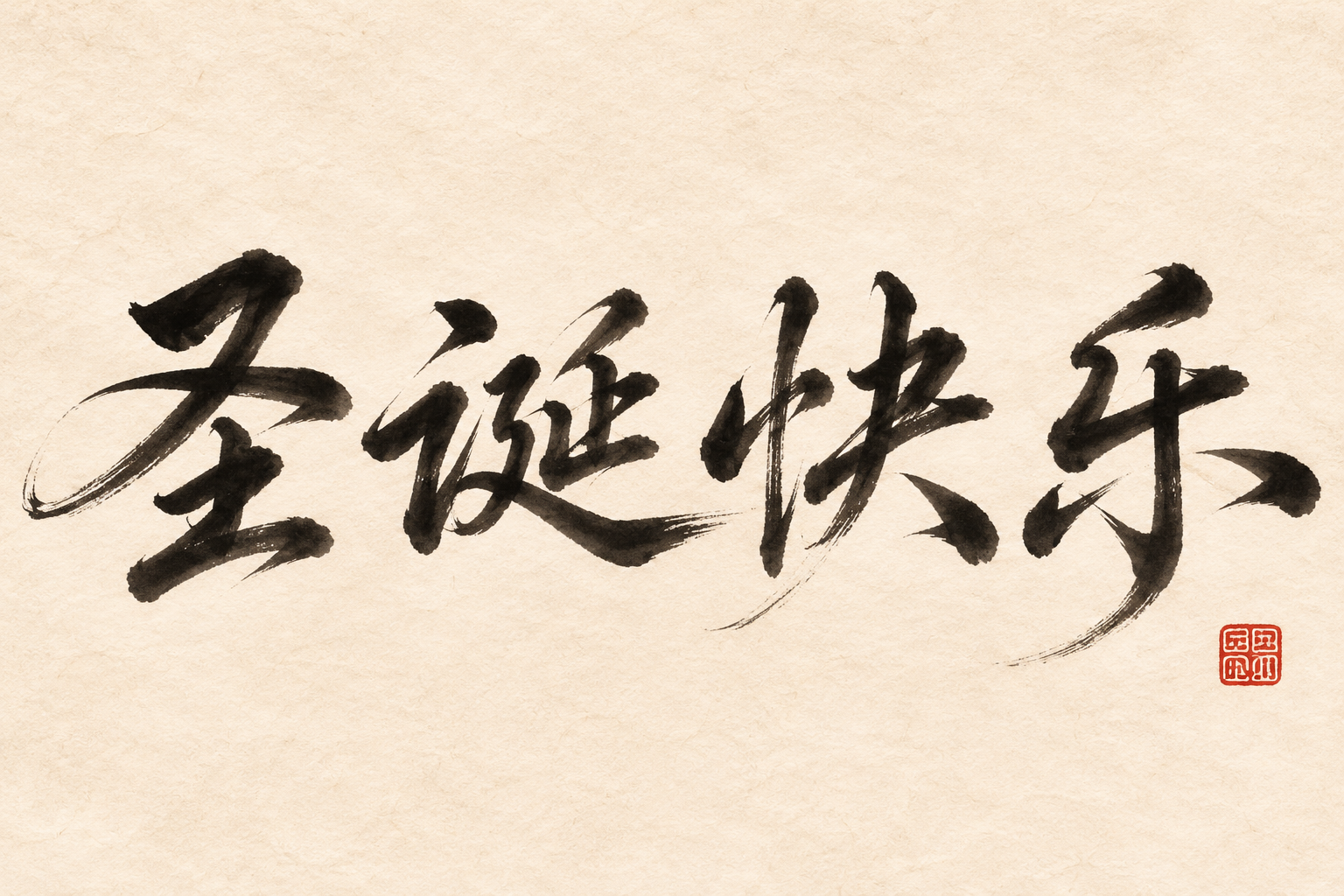
Running script, or xingshu, adds movement while retaining more recognizable structure than strongly cursive writing. Try it for a personal note, a digital Christmas card, or a decorative print. A little asymmetry can feel lively, but spacing still matters: check that none of the four characters disappears into a flourish. Start with a plain background before adding decorative treatments.
Cursive script for expressive holiday artwork
Cursive script, or caoshu, can suit a festive poster or a phone wallpaper where gesture and rhythm are central. Its joined and simplified strokes can be hard to recognize. If your recipient does not read Chinese, include the greeting in ordinary text on the card as well. An AI image is not a verified writing exemplar; ask a fluent reader to check it before printing a large batch or choosing a permanent design.
Six Christmas lettering ideas
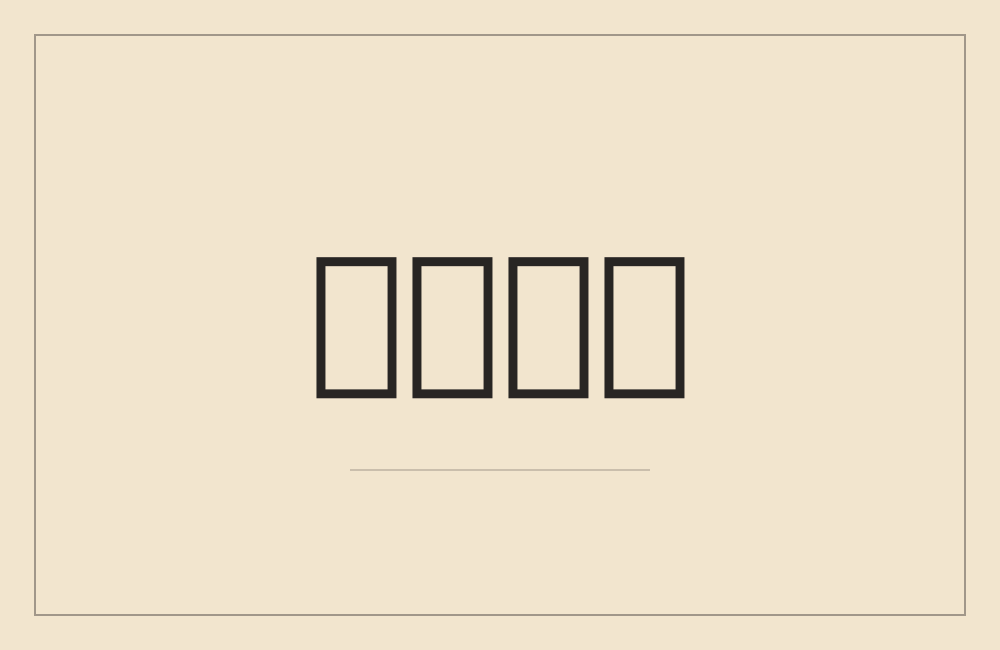
The first two images are AI-generated editorial examples requested in regular and running script. The remaining four are font-based composition studies showing colour and spacing ideas, not generated customer results or authoritative models of historical scripts. The third image uses Ma Shan Zheng brush lettering; the last three use Zhi Mang Xing cursive-inspired lettering. Use them as layout references, then choose your script in the tool. Browse the calligraphy showcase for other artwork directions.


Make a Christmas greeting in three steps
1. Enter the greeting or a name
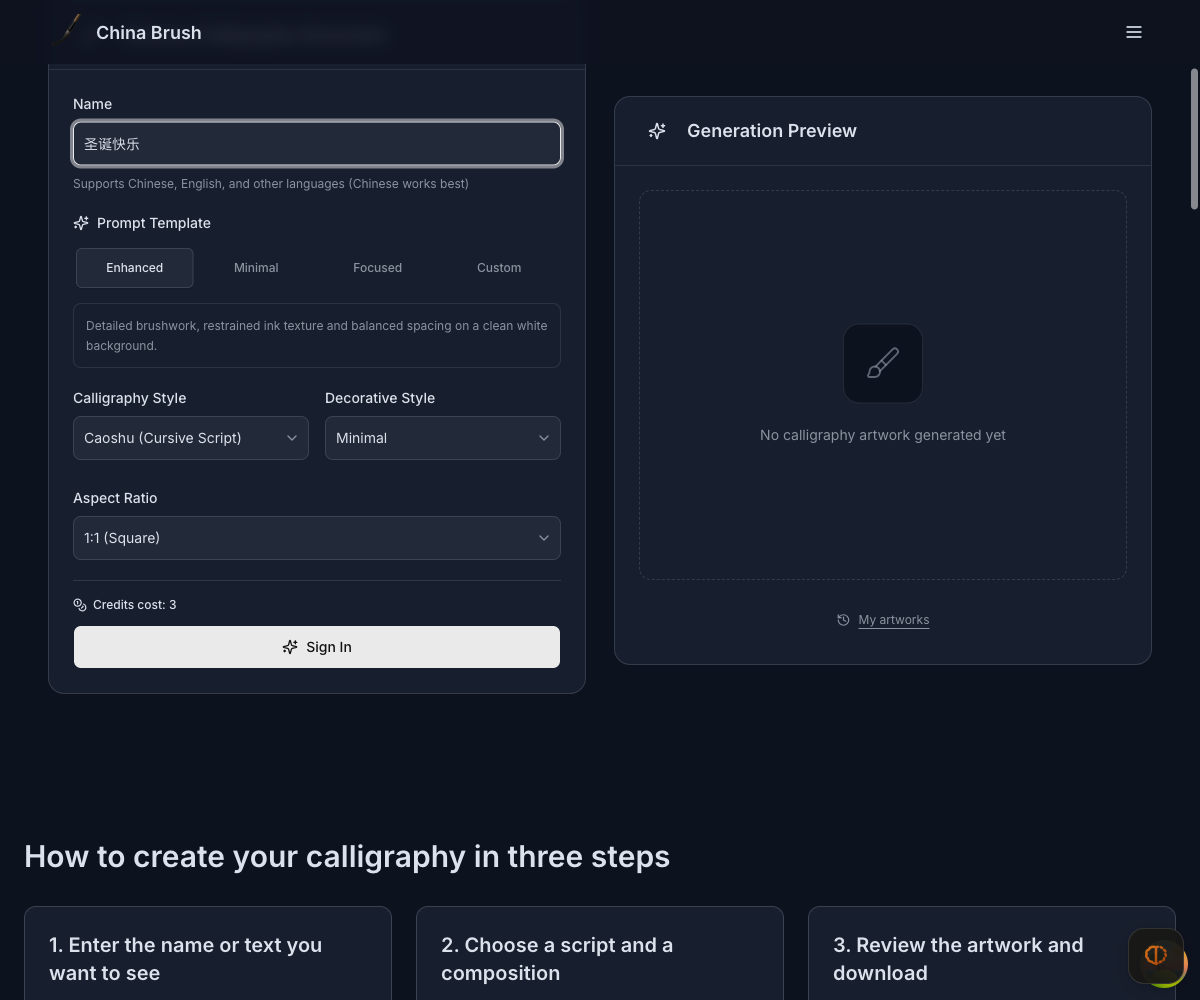
Open the AI calligraphy generator and enter 圣诞快乐, 聖誕快樂, or the exact name you want to render. The tool styles your input; it does not translate an English name into a Chinese name. For a card with both a greeting and a recipient, you can create separate artworks and arrange them together in your card design. Check spelling before spending credits.
2. Choose a script and format
Choose regular, running, or cursive script based on the intended reader and the size of the card. Pick an aspect ratio that leaves room for the text. Sign in and check the cost displayed by the generation control before submitting. A shorter input is usually easier to review than several lines of text. Change one setting at a time when comparing versions.
3. Review and download
Check all four characters against your input, then download the result you prefer. Inspect the original image at its actual size before printing; a screen preview cannot establish print quality at every size. Cropping should not remove strokes at the edges. Another generation uses credits, so review the available credit packages if you want to explore more versions.
Frequently asked questions
Is 圣诞快乐 the same as Happy New Year?
No. 圣诞快乐 is Merry Christmas. For Happy New Year, use 新年快乐, Xīnnián kuàilè. If your card covers both occasions, keep the two wishes on separate lines so each is easy to read.
Should I use 圣诞快乐 or 聖誕快樂?
Both express the same greeting. The first uses simplified characters and the second traditional characters. Choose according to the recipient’s reading preference. Selecting a calligraphy style does not automatically convert your input between the two systems.
Can I add an English name?
Yes, you can enter an English name as written. This requests brush-style lettering of that name, not a Chinese translation. For a bilingual card, keep the name separate from the Chinese greeting and verify both elements before sharing.
Is the generator free to try?
Generation requires an account and enough credits. If your account has complimentary credits, you can use those toward a generation; check the account balance and the tool’s current cost first. This page does not offer a holiday bonus or promise unlimited free downloads. Paid credits are available on the pricing page.
Can I use the image on a printed Christmas card?
Review the text, image dimensions, crop and the applicable usage terms before printing. A short greeting with clear lettering is easier to check than an elaborate composition. Make a small test print before ordering multiple cards, and do not assume that an enlarged preview adds detail to the downloaded image.